
The Manage Groups section allows you to create and manage subgroups within your current group.
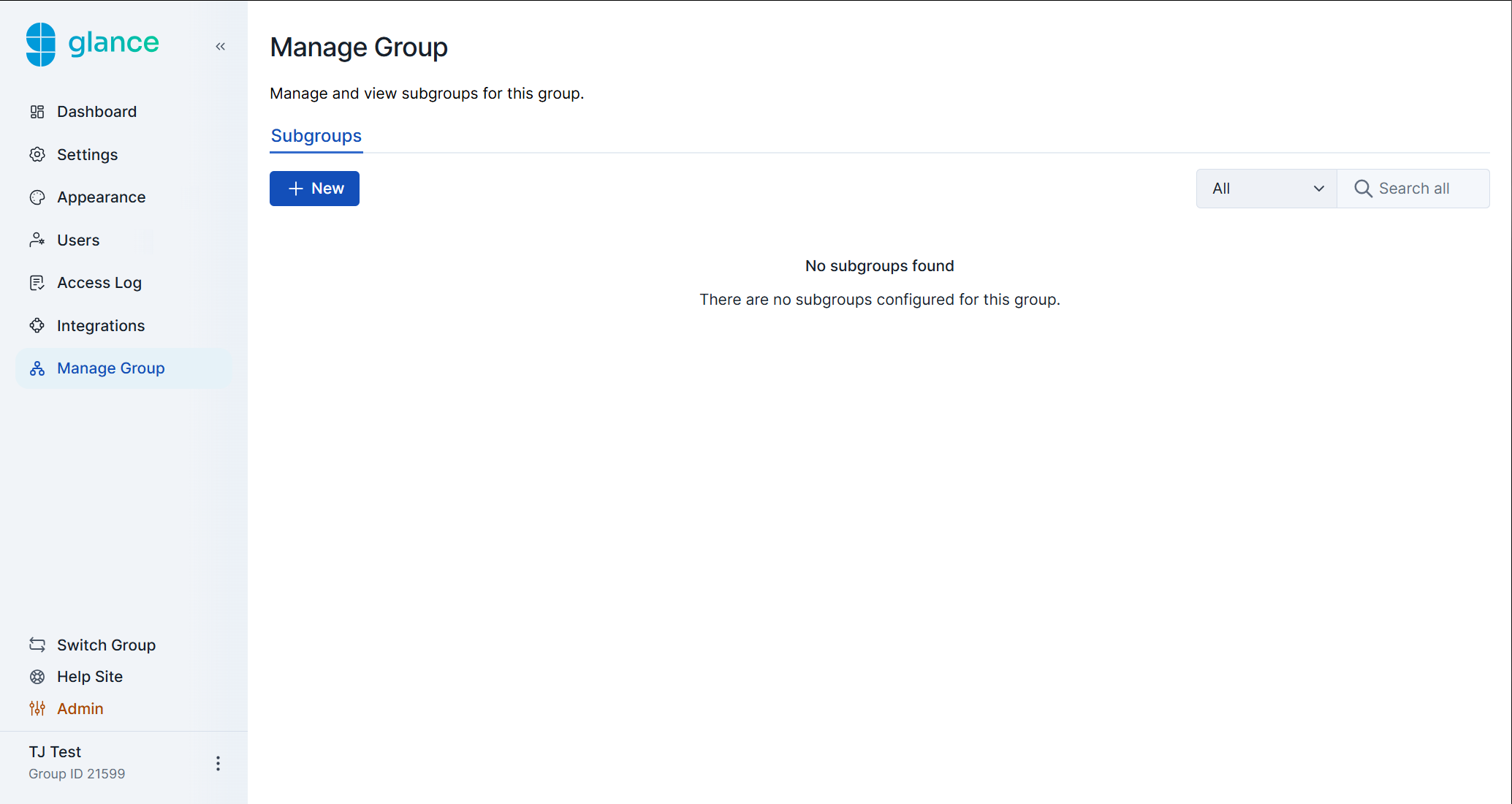
Creating a New Subgroup
- Click New.
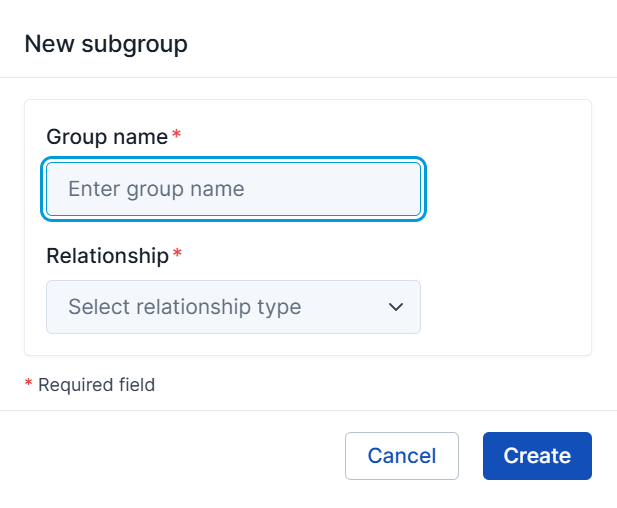
- Enter a Group name.
- Select a Relationship type (member or customer). This determines how the parent group assigns permissions to this subgroup.
- Click Create.
Editing a Subgroup
Click the ellipsis (...) on the right side of the subgroup's row.
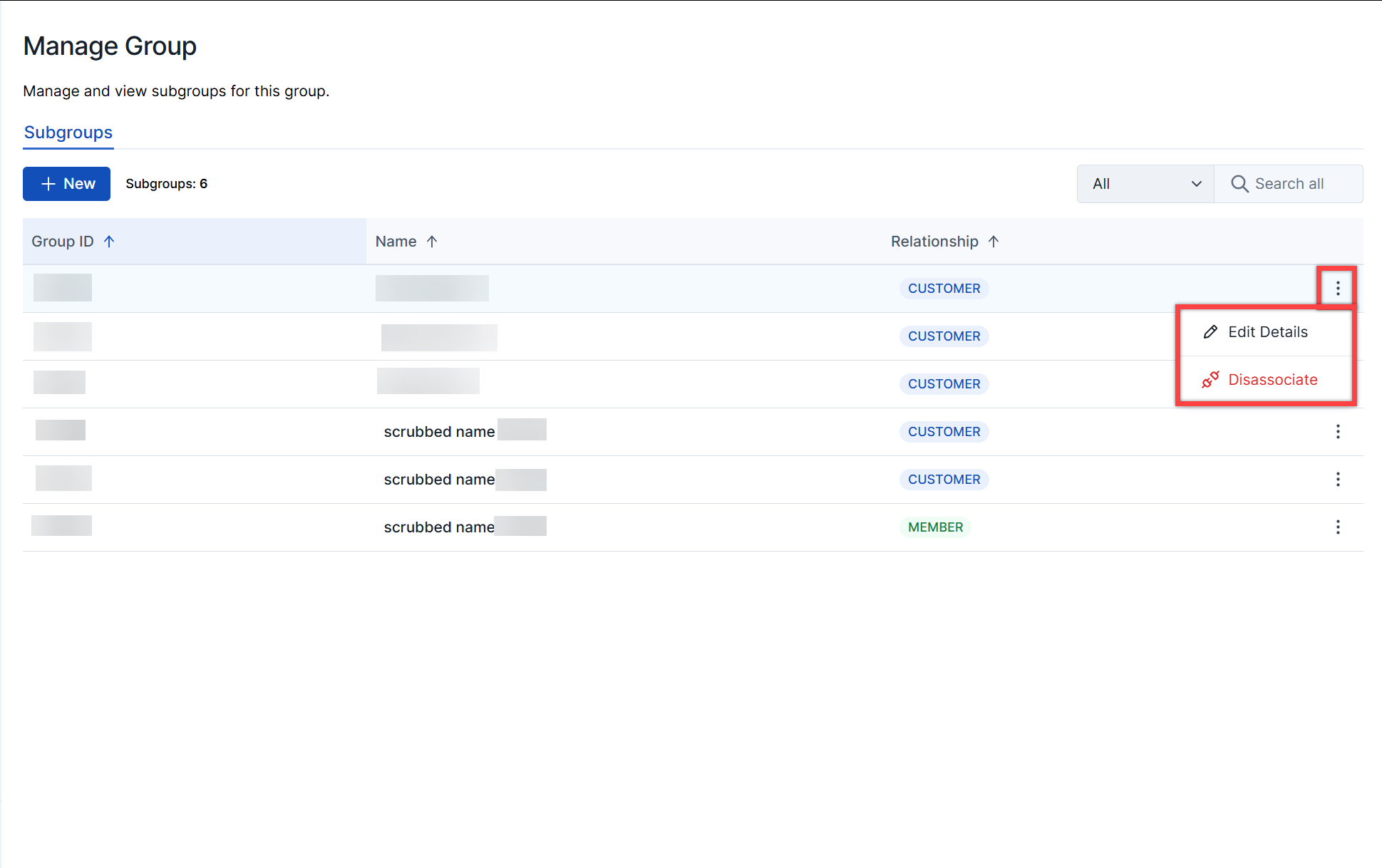
- Edit Details - Update the group's name and relationship type.
- Disassociate - Remove the subgroup from its parent group.