
The Mobile tab lets you configure feature integrations for the Glance Mobile SDK, with dedicated sections for Android and iOS. Presence and Two-Way Video must also be enabled in the SDK for these features to function.
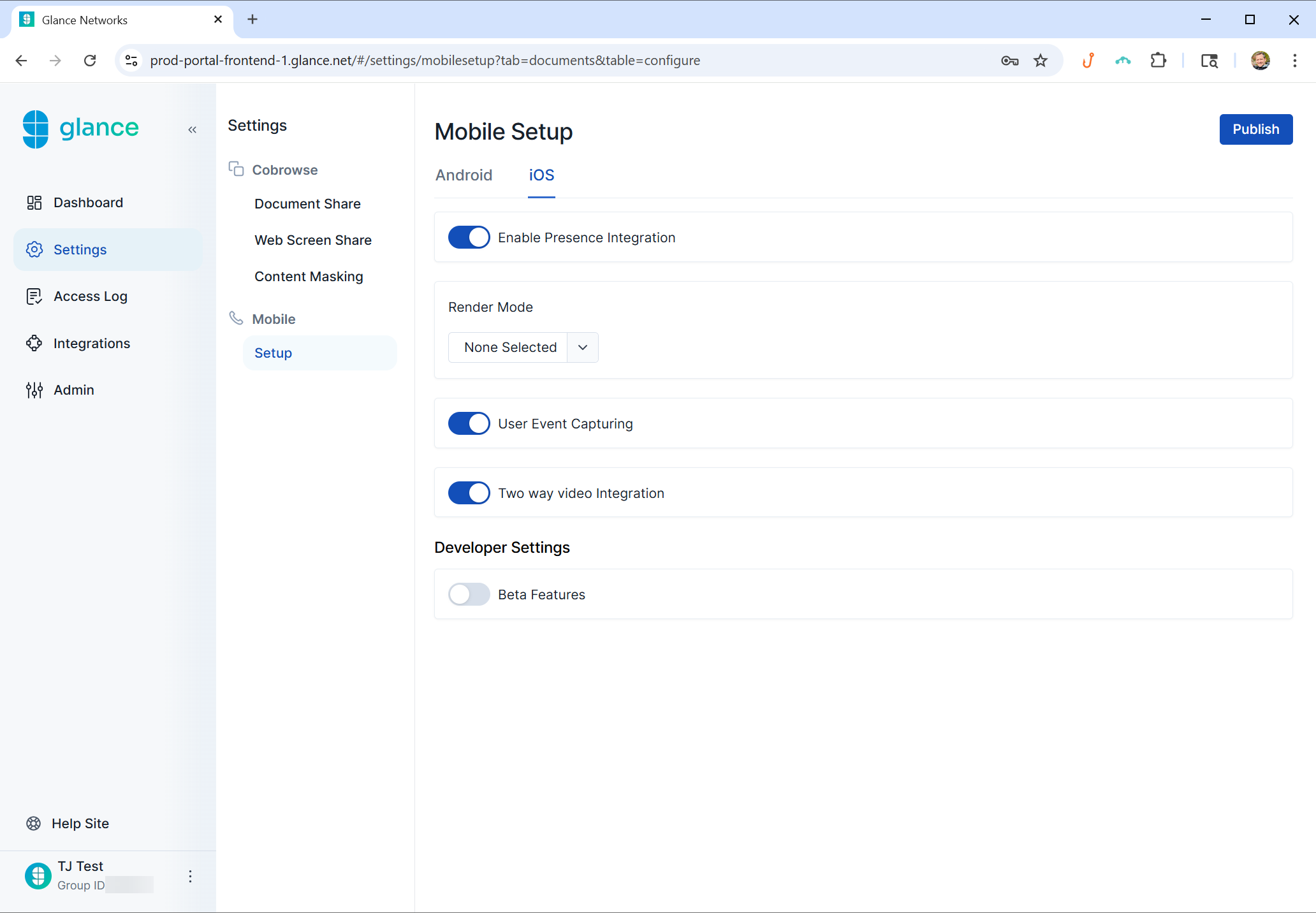
- Enable Presence Integration - Enable or disable the SDK's ability to support Presence.
- Remote Control - Enable or disable SDK Remote Control, letting agents tap UI elements, scroll, and type into text fields on a visitor's device during a Screen Share session.
- Render Mode (Only available on iOS) - Change the method that the SDK uses to capture the screen during sessions.
- Render in context - The SDK's features and UI elements appear directly within your app's existing screens, instead of opening a separate window or taking users out of the app experience.
- Draw View in Hierarchy - The SDK's interface is displayed as part of your app's existing view structure, alongside your own UI elements.
- None Selected - No preference is chosen; the SDK will use the default behavior.
- User Event Capturing - To be released at a later date.
- Two Way Video Integration - Enable or disable the SDK's ability to support two-way video sessions between the user and the agent.
- Beta Features - Allows the SDK access to beta features with the option to disable if preferred.