
Restricted Editing lets the agent request control of the visitor's browser interface during the session.
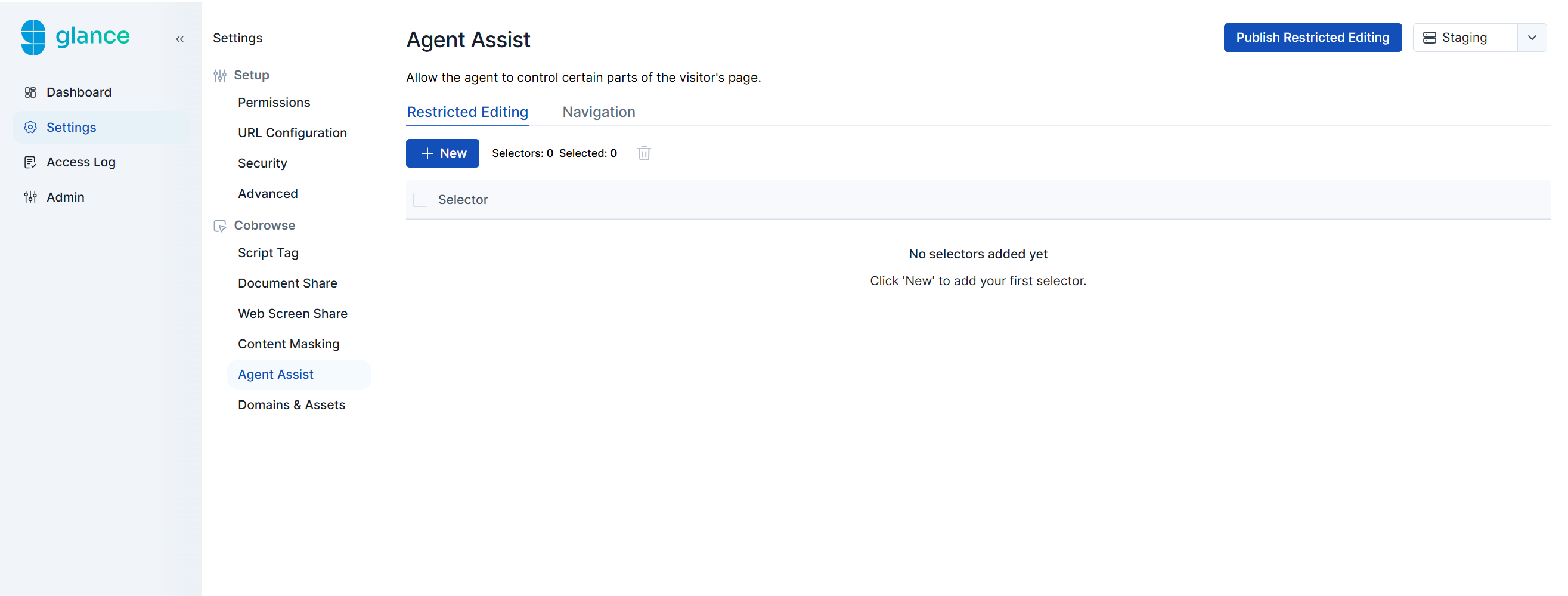
To configure which fields the agent can control during a Cobrowse session:
- Click the New button.
- In the Selector field, enter the CSS selectors of the UI elements you want agents to control.
- Click Create.
- Click the Publish Restricted Editing button in the upper-right corner.